
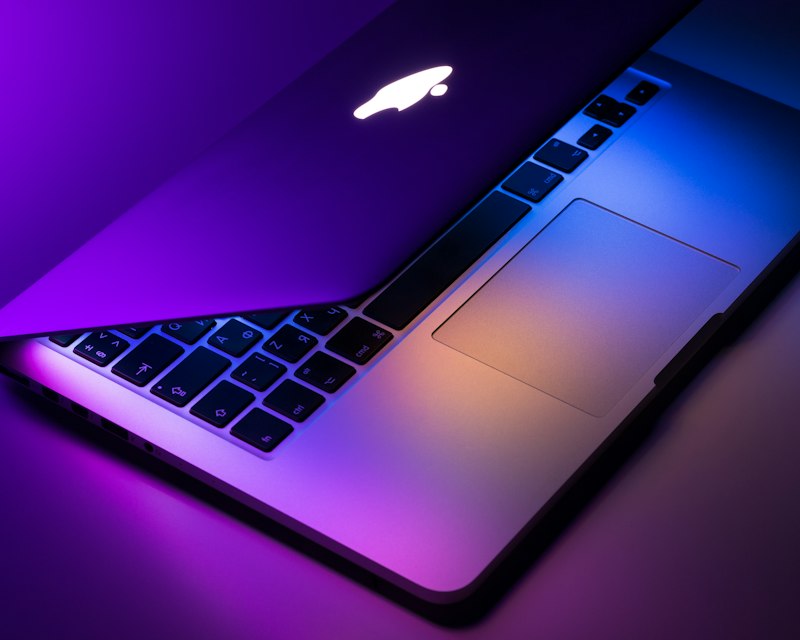
One of the most requested features since Wallspace launched has been lock screen support. With v1.3, we shipped it -- and it works beautifully on macOS 26.
How it works
When you set a live wallpaper in Wallspace, it now automatically extends to your Mac's lock screen. No extra steps, no separate configuration. The same cinematic wallpaper that plays on your desktop greets you every time you open your MacBook.
This also works with custom MP4 wallpapers. Import any video file, apply it, and it shows up on both your desktop and lock screen simultaneously.
Why it matters
Your lock screen is the first thing you see when you sit down at your Mac. A static wallpaper feels like a missed opportunity. With a live wallpaper flowing across both screens, the experience feels cohesive and immersive.
Requirements
- macOS 26 or later is required for lock screen support
- Lock screen wallpapers are a Pro feature ($8.99 one-time)
- Works on all Mac models supported by macOS 26
We're continuing to refine the lock screen experience. If you have feedback, drop by our Discord and let us know.