
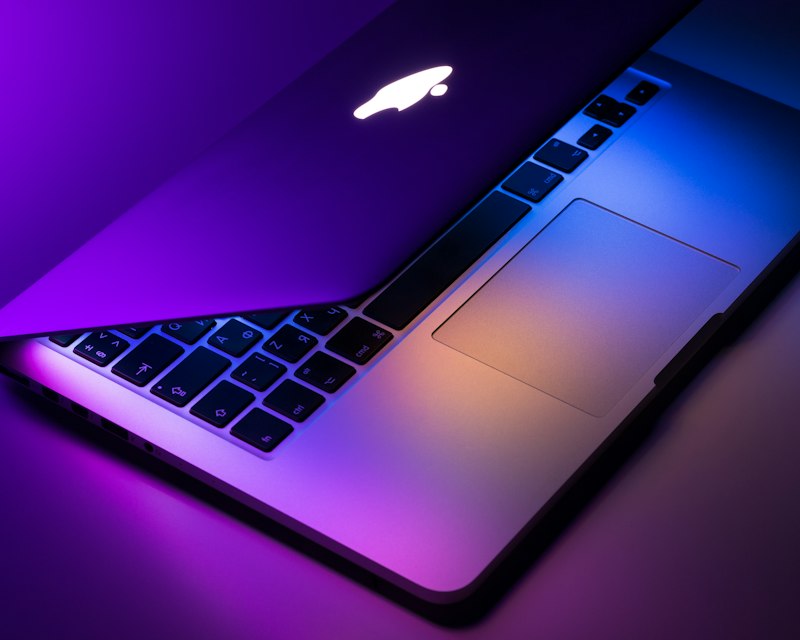
The live wallpaper space on Mac has grown. Some apps are lightweight and focused; others are feature-rich but heavy. Here's an honest overview of the top options in 2026, including what to consider when choosing.
What to Look For
Before diving in, consider: performance (CPU usage), pricing model (free vs. subscription vs. one-time), library quality, and whether you need lock screen support or custom videos. Your priorities will shape which app fits best.
Wallspace
Wallspace is built for users who want performance and simplicity. Native Swift, under 2% CPU, no ads, no account required. The free tier includes HD wallpapers, custom MP4 support, and multi-display. Pro ($8.99 one-time) adds 4K, lock screen support, and unlimited downloads. The interface is minimal — browse, preview, apply. No subscriptions, no bloat. Best for: Mac users who care about battery life and a clean experience.
Other Options
Several other apps exist in this space. Some use Electron and offer more features (themes, widgets) at the cost of higher resource usage. Others are subscription-based with larger libraries. We won't name competitors here — the landscape changes — but the tradeoffs are consistent: more features often mean more CPU and more ongoing cost.
Key Differentiators
- Performance — Native apps typically use less CPU than Electron-based ones
- Pricing — One-time purchases vs. subscriptions. Wallspace uses one-time for Pro
- Lock screen — Requires macOS 26 and an app that supports it. Wallspace Pro includes it
- Custom videos — Not all apps support MP4 import. Wallspace does, free tier included
Our Recommendation
If performance and simplicity matter, Wallspace is a strong choice. Free to try, no account, and a one-time Pro upgrade if you want 4K and lock screen. Download Wallspace and see if it fits your workflow.
Frequently Asked Questions
Which app uses the least CPU?
Native Swift apps like Wallspace typically stay under 2% CPU. Electron-based apps often use 5–15% or more.
Are there free options?
Yes. Wallspace has a free tier with HD wallpapers and custom MP4 support. No time limit.
Do any support lock screen?
Wallspace Pro supports lock screen live wallpapers on macOS 26. Requirements vary by app.
Conclusion
The best live wallpaper app depends on your priorities. For performance, simplicity, and fair pricing, Wallspace is worth trying. Download it here.
Try the top choice. Get Wallspace.